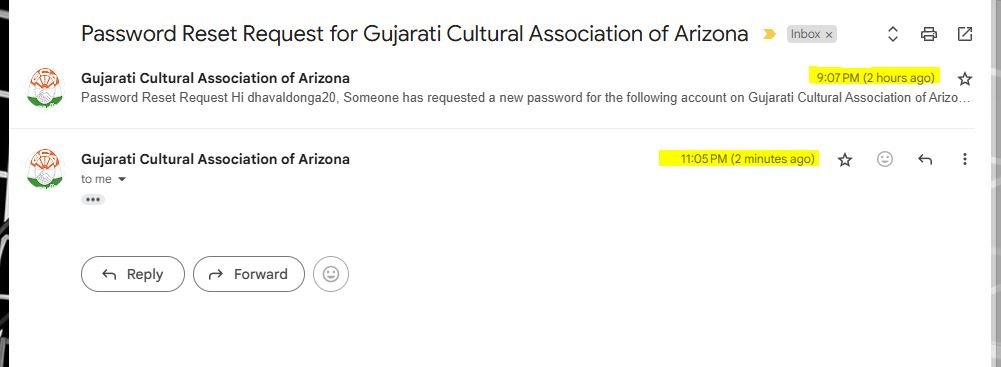

Password Reset Steps
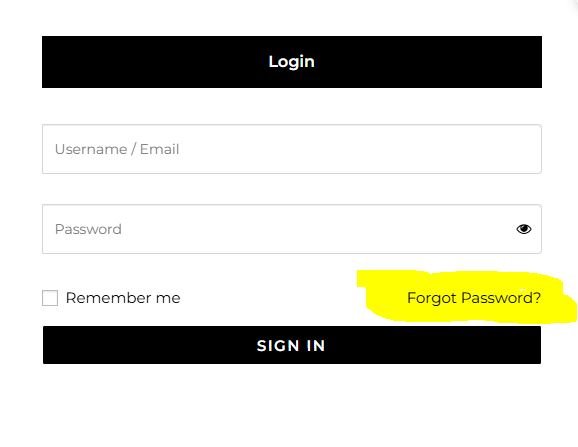
1- Click on Forgot Password
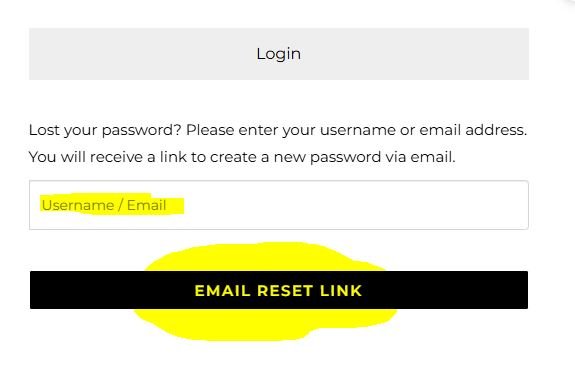
2 – Enter Your Registered Emial or User Name
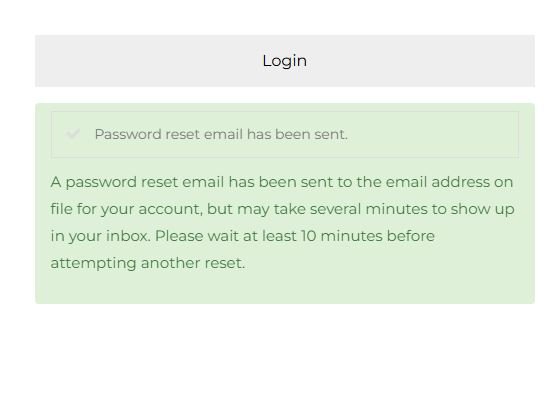
3- You Will Get Email On Entered Registered Emial
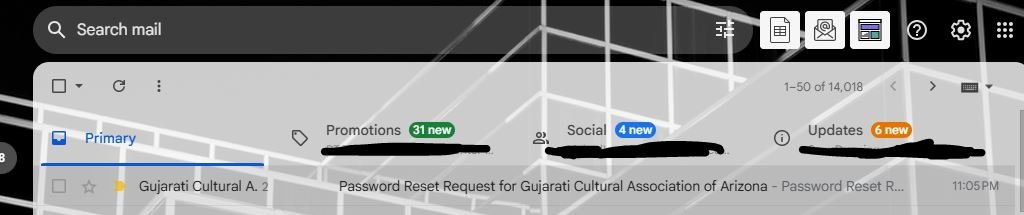
4- You Will Receive Email – Password Reset Request for Gujarati Cultural Association of Arizona
Note :
Please Chek Spam or Junk Folder as well
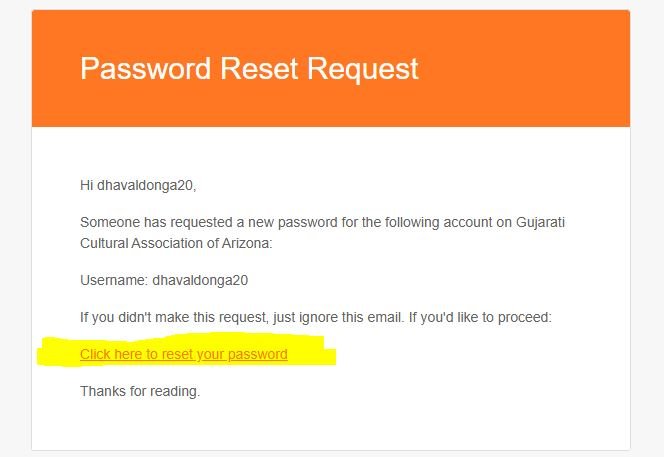
5 – Click on – Click here to reset your password, This link works only once.
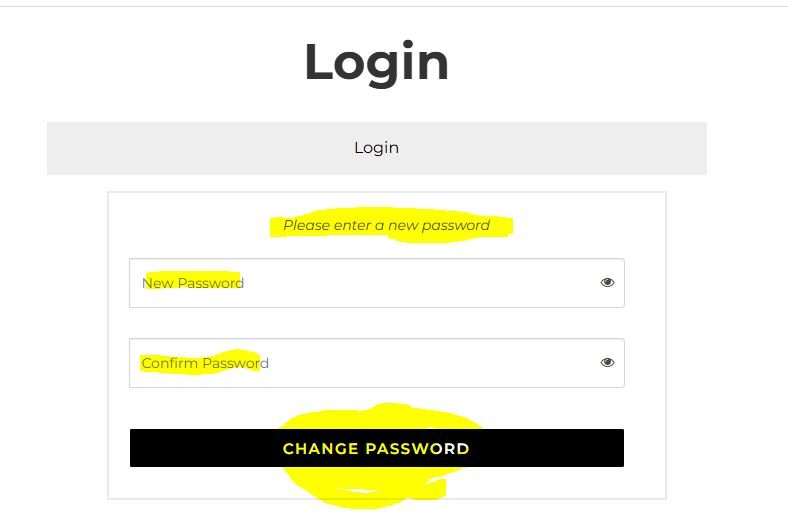
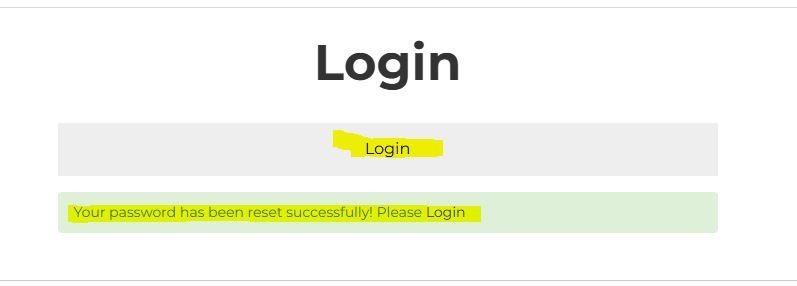
6 – You Will Redirect to this Window and Follow the Step and Reset th password
Note: Click here to reset your password link work only once
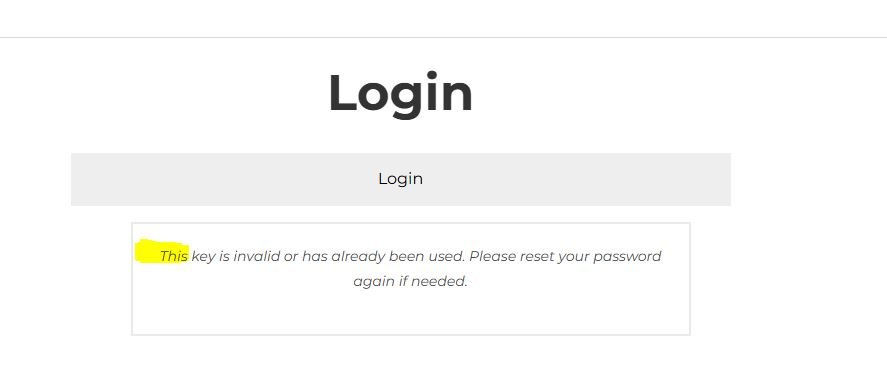
if you find invalid link please Chek the mail as Click here to reset your password link work only once, this link might old link as you may have Enter multiple Request